Azure Data Engineering
Contact us
12-Course Bundle · Azure Data Engineer

Azure DataEngineer Full Course - Theory + Projects

This package course contains a total of 12 courses that help you to prepare for the Azure Data Engineer role.

12 Courses · Best Value Bundle Self-paced · Lifetime Access Certificate Included

Students placed in top companies · up to 100% hike

Syllabus

Courses in the package

Detailed module-by-module breakdown for all 11 included courses. Each module is a full standalone course with hands-on exercises and real-time scenarios.

11 Courses
100% Real-time content
Lifetime Access
Industry Grade projects
01

Python Fundamentals with Data Structures & Algorithms

Foundation
  • Python basics — variables, data types, operators, type casting
  • Control flow — if/else, for/while loops, comprehensions, generators
  • Functions — args, kwargs, lambda, closures, decorators
  • Data structures — lists, tuples, sets, dicts, linked lists, stacks, queues
  • Object-Oriented Programming — classes, inheritance, polymorphism, design patterns
  • Algorithms — sorting (bubble, merge, quick), searching (binary, BFS, DFS), dynamic programming
  • Recursion and problem-solving with real interview patterns
02

Learn SQL (Basics to Advanced)

Foundation
  • SQL fundamentals — SELECT, INSERT, UPDATE, DELETE, filtering, sorting
  • Joins — INNER, LEFT, RIGHT, FULL OUTER, CROSS, SELF JOIN patterns
  • Aggregations — GROUP BY, HAVING, COUNT, SUM, AVG, MIN/MAX
  • Subqueries — correlated, scalar, EXISTS, IN/NOT IN patterns
  • Common Table Expressions (CTEs) and recursive queries
  • Window functions — ROW_NUMBER, RANK, DENSE_RANK, LAG, LEAD, OVER/PARTITION
  • Performance — indexes, execution plans, query optimization techniques
03

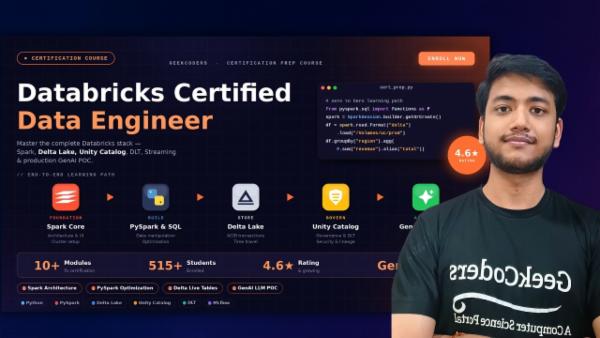
Databricks Full Course (Zero to Hero)

Core Databricks
  • Databricks workspace — clusters, notebooks, repos, job configuration
  • Apache Spark architecture — RDDs, DataFrames, lazy evaluation, DAGs
  • PySpark transformations & actions — filter, select, join, groupBy, agg
  • Delta Lake — ACID transactions, MERGE, schema evolution, time travel
  • Unity Catalog — data governance, access control, lineage, service principals
  • Delta Live Tables (DLT) — declarative pipelines, expectations, quality enforcement
  • Databricks Workflows — job orchestration, multi-task pipelines, notifications
  • Databricks certification prep — practice tests and exam patterns
04

Delta Lake Project using Databricks & PySpark

Project
  • Delta Lake architecture — Parquet + transaction log, compaction, vacuuming
  • ACID operations — MERGE, UPDATE, DELETE with conflict resolution
  • Schema enforcement vs. schema evolution — mergeSchema, overwriteSchema
  • Time travel — VERSION AS OF, TIMESTAMP AS OF, RESTORE
  • Change Data Feed (CDF) — capture row-level changes for downstream consumers
  • Streaming with Delta — readStream, writeStream, trigger options
  • End-to-end batch + streaming Delta project with Databricks
05

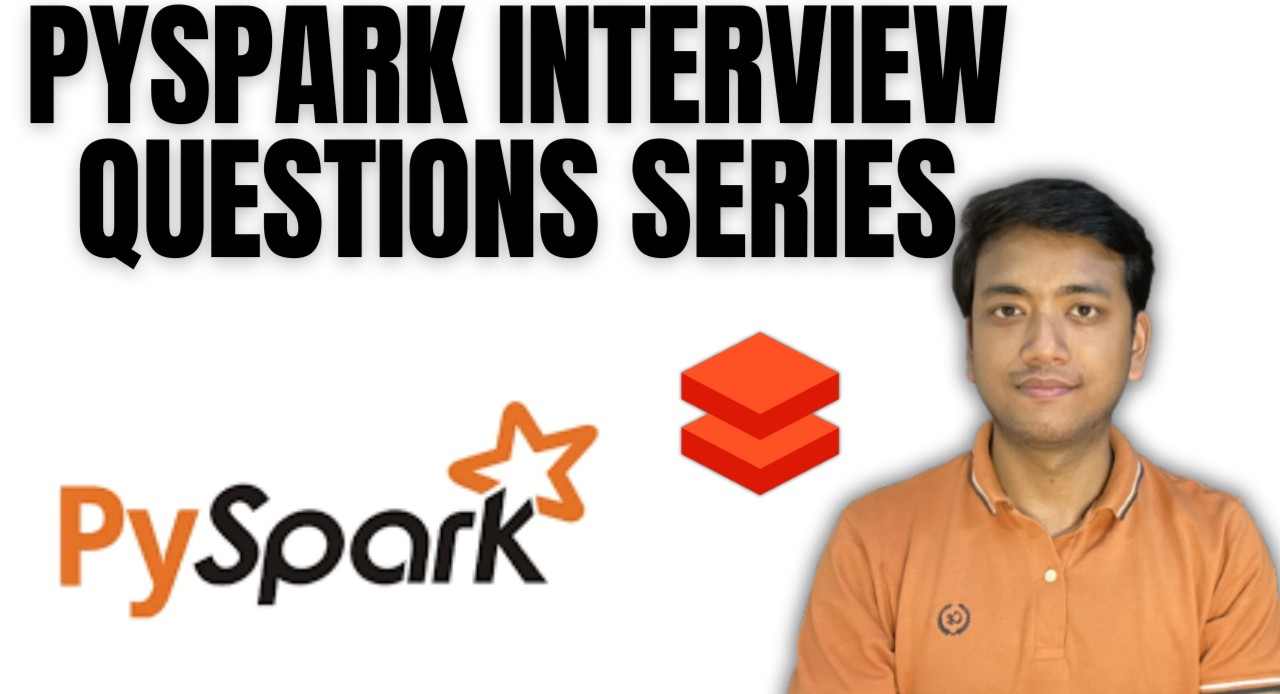
Realtime Scenarios — Databricks & PySpark Interview Series

Interview Prep
  • Top PySpark interview question patterns from MNC rounds
  • Spark optimization — partitioning, caching, broadcast joins, AQE
  • Handling data skew, small files, and inefficient shuffles
  • Custom UDFs, pandas UDFs, and when to use each approach
  • RealTime scenario building — audit logging, data quality utilities
  • Databricks-specific scenarios — Unity Catalog, Delta, Workflows
  • Live debugging and performance profiling exercises
06

Azure Data Factory — Basics to Advanced

Azure ADF
  • ADF architecture — pipelines, activities, datasets, linked services overview
  • Copy Activity — source/sink configuration, column mapping, data type conversion
  • Control Flow — ForEach, If, Until, Execute Pipeline, Wait activities
  • Triggers — schedule trigger, tumbling window, event-based (Blob, Custom)
  • Azure IR vs. Self-hosted Integration Runtime — setup and use cases
  • Data Flows — transformation logic without code using ADF mapping flows
  • Monitoring, alerting, retry policies, and debugging failed runs
07

Realtime ADF Use Cases — Interview & Scenarios

Azure ADF
  • Parameterized pipelines — dynamic content, variables, global parameters
  • Incremental data loading — watermark patterns, last modified triggers
  • Slowly Changing Dimensions — SCD Type 1, 2, 3 implementation in ADF
  • Complex file handling — JSON, Parquet, CSV, XML, Avro with schema mapping
  • REST API calls from within ADF — Web Activity, authentication, pagination
  • Error handling — fault tolerance, retry logic, error output routing
  • Real interview questions and common ADF scenario patterns
08

Logic App & PowerShell — Realtime Automation Scenarios

Automation
  • Logic App fundamentals — connectors, triggers, actions, conditions
  • Integrating Logic App with ADF pipelines — trigger on success/failure
  • Sending email notifications (Outlook, Gmail) on pipeline status
  • Teams and Slack integration — alert data engineers on pipeline events
  • PowerShell scripting for Azure automation — resource management
  • Event Grid + Logic App — event-driven orchestration patterns
  • Building end-to-end monitoring and alerting automation systems
09

Real-Time End-to-End Azure Data Engineering Project ⭐

E2E Project
  • Project architecture — multi-source ingestion, Azure ADLS Gen2, Delta Lake
  • Data ingestion — APIs, SFTP, on-premises SQL, Azure Blob via ADF
  • Bronze → Silver → Gold Medallion architecture with Databricks
  • Transformation layer — PySpark notebooks with business logic
  • Reporting — Power BI connected to Gold layer via Azure Synapse / Direct Lake
  • DevOps CI/CD — ADF ARM templates, Databricks Repos, release pipelines
  • Monitoring dashboard — ADF alerts, Databricks job notifications, Power BI refresh
10

Master in Data Analysis & Visualisation with Power BI

Power BI
  • Power BI Desktop — data import, query editor, data profiling
  • Power Query (M Language) — shaping, merging, appending, custom functions
  • Data modeling — star schema, relationships, cardinality, role-playing dims
  • DAX — measures, calculated columns, variables, time intelligence (YTD, QTD)
  • Visualizations — charts, KPI cards, maps, slicers, drill-through, tooltips
  • Row-Level Security (RLS) — dynamic and static security on reports
  • Power BI Service — publish, share, schedule refresh, apps, workspaces
11

Microsoft Fabric (Basic to Advanced with Project)

Fabric
  • Microsoft Fabric overview — architecture, workloads, capacity, tenants
  • OneLake — unified storage for all Fabric workloads, shortcuts, OneCopy
  • Lakehouse — Delta tables, SQL endpoint, semantic model integration
  • Dataflow Gen2 — low-code data transformation with Power Query
  • Data Factory in Fabric — pipelines, data pipelines vs. Dataflows
  • Real-time analytics — Event Streams, KQL Database, KQL queryset
  • End-to-end Fabric project — from raw data ingestion to Power BI report
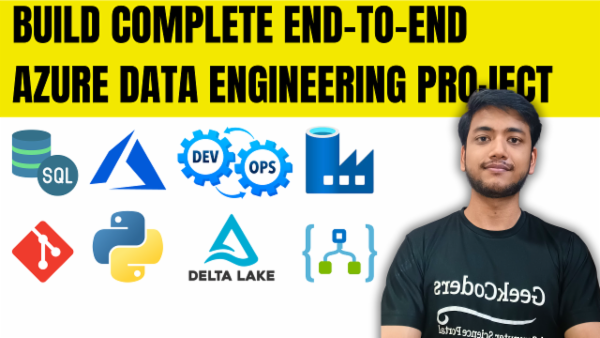
Build End to End Azure Data Engineering Project

View course
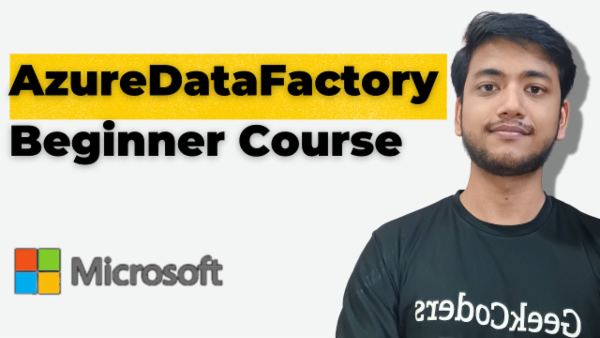
Basics Of Azure Data Factory
View course
Master in Data Analysis and Visualisation with Microsoft PowerBI

View course
View all
Student feedback

What learners say

★★★★★
After completing the course I learned how real-time projects work end to end — ADF, Databricks, Python, SQL, Power BI, DevOps. Got multiple offers from MNCs.
Toshita
Toshita London Stock Exchange
★★★★★
I'd worked with these tools but wasn't confident how they fit together end-to-end. Sagar showed how to get hands dirty quickly with Azure tools in real-time.
Surajit
Surajit LatentView Analytics
★★★★★
Sagar explained everything in detail. Multiple courses taken — all are 100% real-time. Now working as Project Lead. Recommended to all my colleagues.
Mahesh
Mahesh Persistent Systems
What we offer

Why choose this bundle?

Pre-recorded Lessons

Learn at your own pace with high-quality video lessons you can pause, rewind, and rewatch anytime.

Structured Curriculum

Carefully designed by industry experts to take you from foundations to production-grade skills.

Community & Networking

Join 6,000+ learners. Network, get doubt resolution, and collaborate in exclusive chat groups.

Real-Time Projects

Build production-grade projects that go straight onto your resume and demo reel.

Practice Tests

Reinforce your learning with quizzes, assessments, and interview scenario exercises.

Verified Certificate

Earn a shareable certificate on completion — add it to LinkedIn with a single click.

Common questions

Got questions?

Quick answers about this 12-course Azure Data Engineer bundle.

Still unsure?

Ask on WhatsApp
What does this 12-course bundle include?

The bundle includes 11 full courses covering Python with DSA, SQL, Databricks, Delta Lake, PySpark interview prep, Azure Data Factory (basics + realtime scenarios), Logic App + PowerShell, an end-to-end Azure project, Power BI, and Microsoft Fabric — everything needed for the Azure Data Engineer role.

Is this pre-recorded or live?

All courses are pre-recorded with lifetime access. Learn at your own pace — start, pause, and resume anytime. No fixed class schedule.

Do I need prior experience?

Basic knowledge of SQL and Python is recommended. The bundle starts with Python + SQL fundamentals, so even beginners can follow along by starting from Module 1.

Will I get a certificate for each course?

Yes. You receive a verified GeekCoders certificate for each course you complete within the bundle — sharable directly on LinkedIn.

Do I get access to all 11 courses immediately?

Yes — on purchase you get instant lifetime access to all 11 courses in the bundle simultaneously. Work through them in any order you choose.

What's the refund policy?

7-day no-questions-asked refund window from the date of purchase. See our refund policy for full terms.
Enroll Now →